
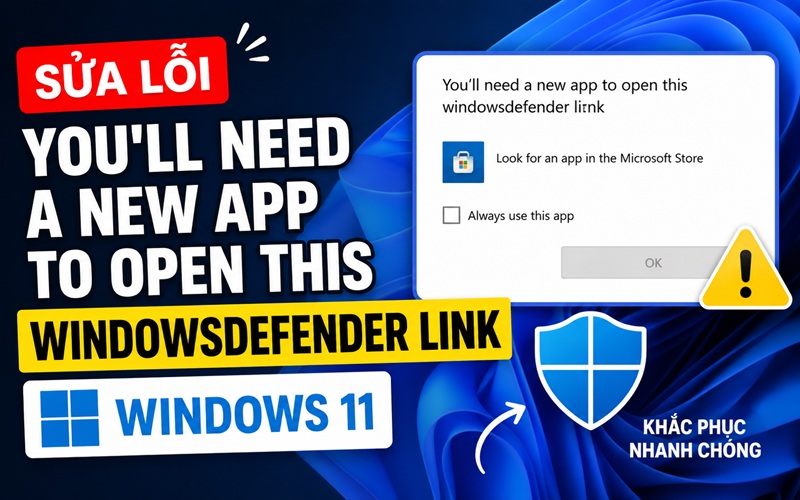
Lỗi sung đột phần mềm, hoặc bị virut ẩn xóa file chạy đi thôi, bạn cho nó chạy lại như sau:
Bước 1: Vào windows Start gõ powershell -> Run as Adminiestrator
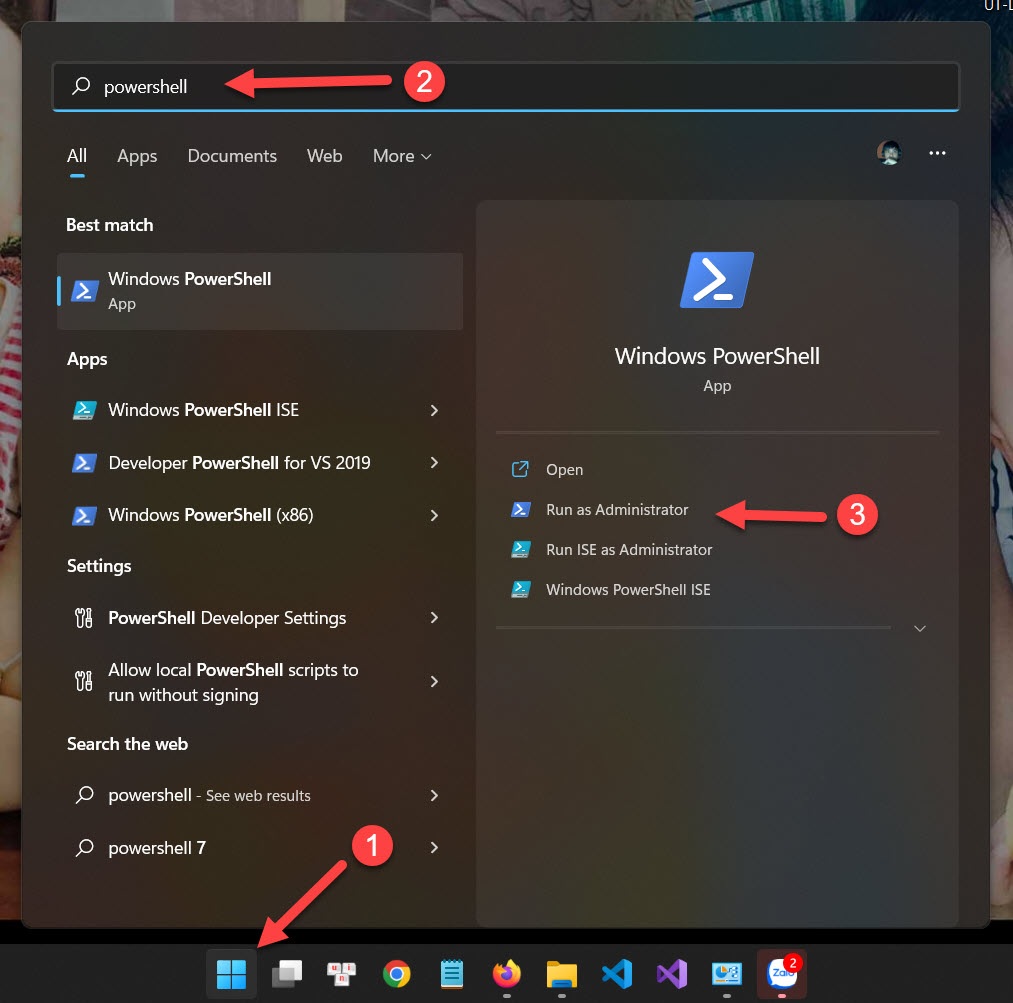
Sau đó copy code sau bỏ vào khung chạy.
Get-AppxPackage Microsoft.SecHealthUI -AllUsers | Reset-AppxPackage
Sau đó khởi động lại máy tính xem được chưa, chưa được áp dụng tiếp bước dưới.
Bước 2 (thực hiện khi bước 1 không thành công)
Cũng vào lại PowerShell như cũ dưới quyền admin và chạy lệnh sau để đăng ký Add-AppxPackage
Với windows 10 (chạy từng lệnh 1)
Add-AppxPackage -Register -DisableDevelopmentMode "C:\Windows\SystemApps\Microsoft.Windows.SecHealthUI_cw5n1h2txyewy\AppXManifest.xml"
Get-AppxPackage Microsoft.SecHealthUI -AllUsers | Reset-AppxPackage"C:\Windows\SystemApps\Microsoft.Windows.SecHealthUI_cw5n1h2txyewy\AppXManifest.xml"
Với windows 11 (chạy từng dòng lệnh)
Set-ExecutionPolicy Unrestricted"C:\Windows\SystemApps\Microsoft.Windows.SecHealthUI_cw5n1h2txyewy\AppXManifest.xml"
Get-AppXPackage -AllUsers | Foreach {Add-AppxPackage -DisableDevelopmentMode -Register "$($_.InstallLocation)\AppXManifest.xml"} "C:\Windows\SystemApps\Microsoft.Windows.SecHealthUI_cw5n1h2txyewy\AppXManifest.xml"
Set-ExecutionPolicy restricted
"C:\Windows\SystemApps\Microsoft.Windows.SecHealthUI_cw5n1h2txyewy\AppXManifest.xml"
Xong reset lại máy tinh và xem kết quả.
Bài viết cùng chuyên mục
Sửa Lỗi You’ll Need A New App To Open This Windowsdefender Link Windows 11
Top 5 địa chỉ mua Via Việt uy tín, giá rẻ 2026
So Sánh Camera Kbvision Và Dahua – Nên Mua Camera Hãng Nào?
Kinh Nghiệm Lắp Camera Ngoài Trời Bền Đẹp, Tối Ưu Hiệu Quả Giám Sát
Dấu Hiệu Nhận Biết CPU Bị Hỏng Và Cách Khắc Phục Hiệu Quả
Top 6 Loại Keo Tản Nhiệt Cho CPU Và GPU Chất Lượng, Giá Tốt
Cách Khắc Phục File 3dsmax Bị Lỗi Không Mở Được Hiệu Quả
Tổng Hợp Các Phím Tắt Thông Dụng Trong Premiere Pro Đầy Đủ Nhất
Hướng Dẫn Cách Cài Đặt Ultraview Chi Tiết Đảm Bảo Thành Công